Lineups
Save your VALORANT lineups where you plan.
Stop digging through saved clips and Discord channels mid-match. Pin every lineup right on the map with your standing spot, landing spot, screenshots, notes, and video clip. Free to use, and the Windows app works offline.
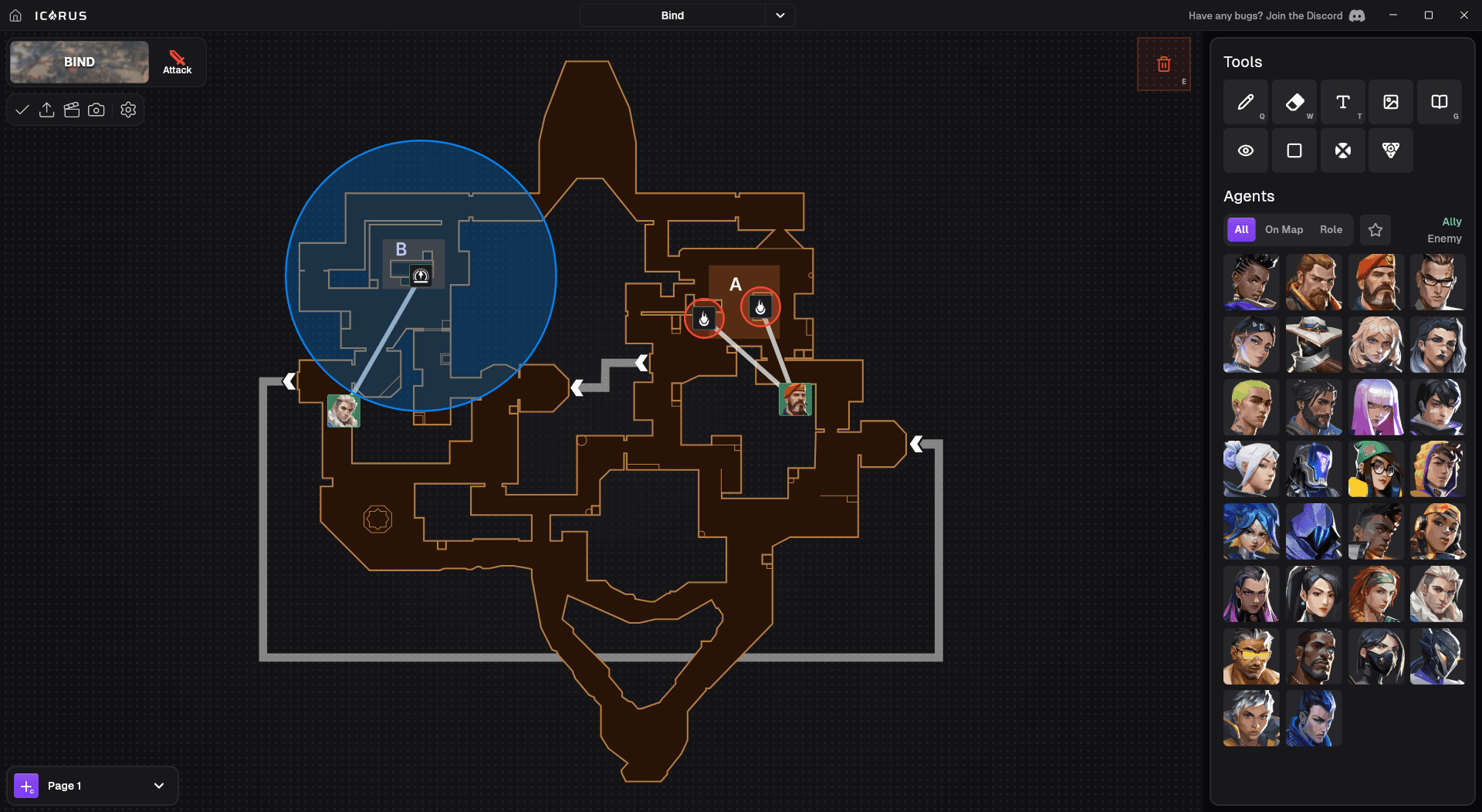
How it works
Save a lineup in four steps.
- 01
Open the lineup tool
Press G, or click Add Lineup in the sidebar.
- 02
Mark your standing spot
Drop your agent on the exact spot you throw from.
- 03
Mark the landing spot
Place the ability where it lands, then press Next.
- 04
Save the reference
Name the lineup, drop in a YouTube link, add quick notes, and paste aim screenshots straight from your clipboard.
On the map
One spot, every throw from it.
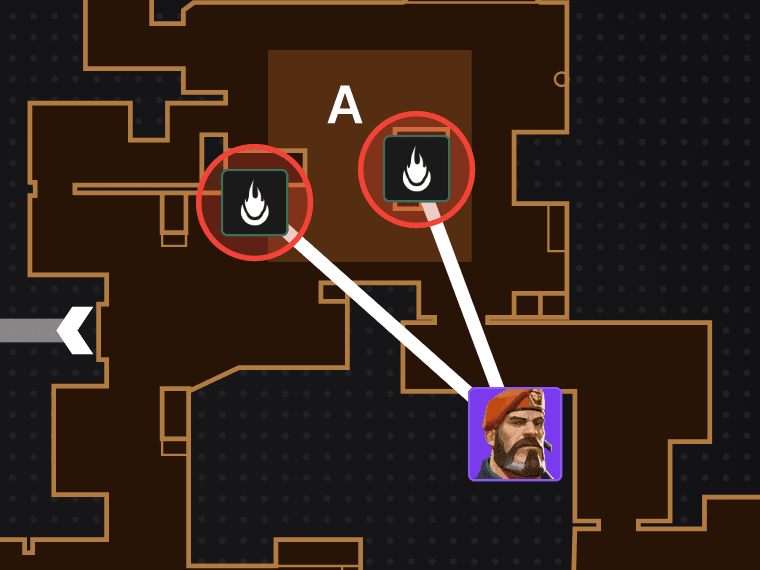
One standing spot often covers two or three default plants, and the same choke point might have throws from across the map. Click an agent to see every lineup from that spot, or click an ability to see every way to land it. Each one pulls up your clip, screenshots, and notes.
Your team
Hand your lineups to the rest of the five-stack.
Lineups live right inside the strategy they belong to, not off in a separate folder. Share the strategy with a link, code, or .ica file and your teammates get every lineup along with the play. Sign in and move it to the cloud to build a stratbook together live, with shared cursors showing who is working on what.
Questions
Before you download.
- Is it free?
Yes. Icarus is free and open source under the Apache 2.0 license, with no ads and no paid tier.
- Do I need an account?
No. In the Windows app, your lineups save locally and work offline without signing in. Only sign in and move a strategy to the cloud if you want it synced across devices, open in the web beta, or editable live with teammates.
- Can I browse other people's lineups?
Icarus is built for your own lineups and the ones your team shares with you, not a public lineup database.
- Does it run on Mac or Linux?
The desktop app is Windows-only for now. On Mac or Linux, you can sign in to the web beta in your browser to view and edit your cloud strategies, lineups included.